 Prompt example
social media post
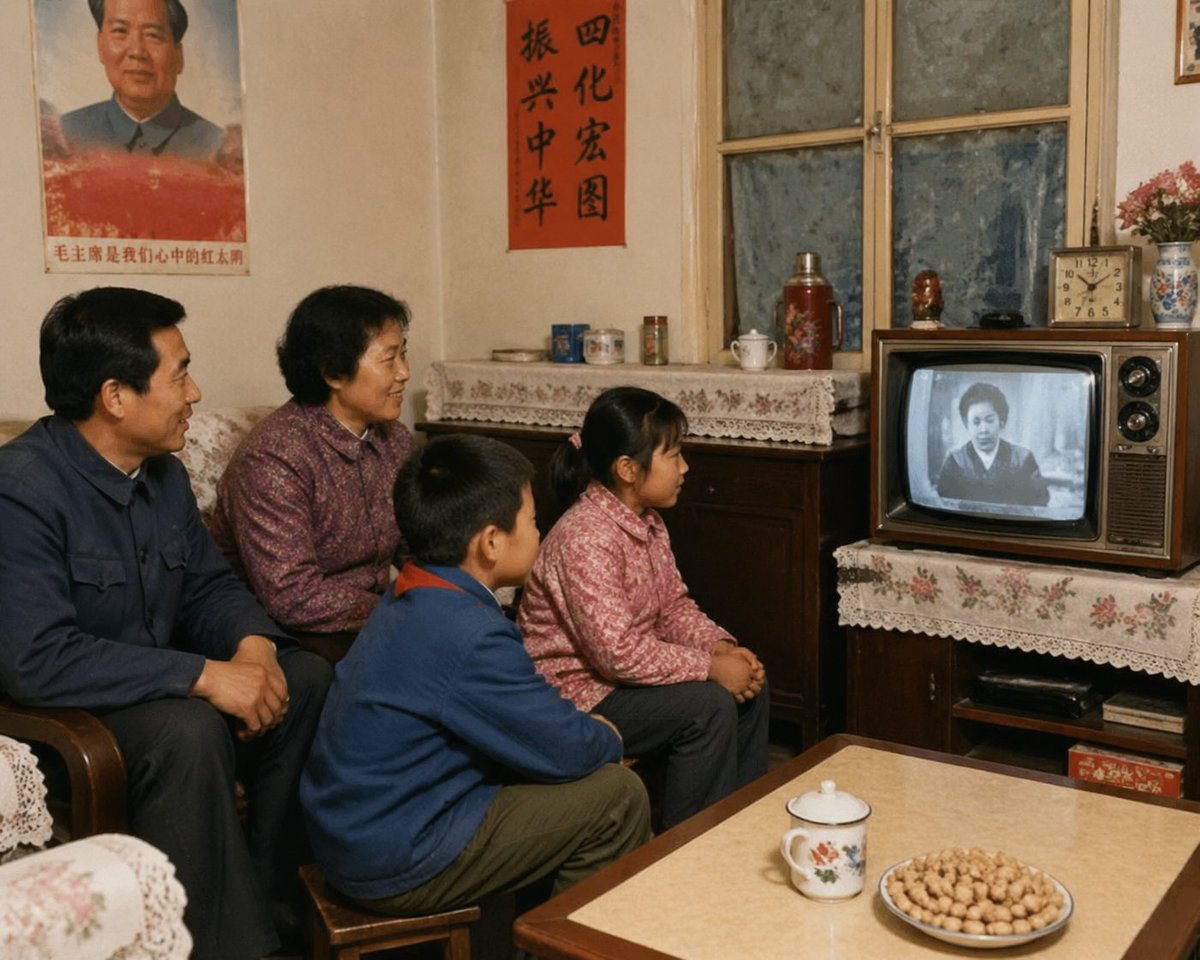
1980s Chinese Family Watching TV
Photograph an ordinary Chinese living room as a family memory from the 1980s. Place four people close together, all watching a small black-and-white…
IMAGE PROMPT
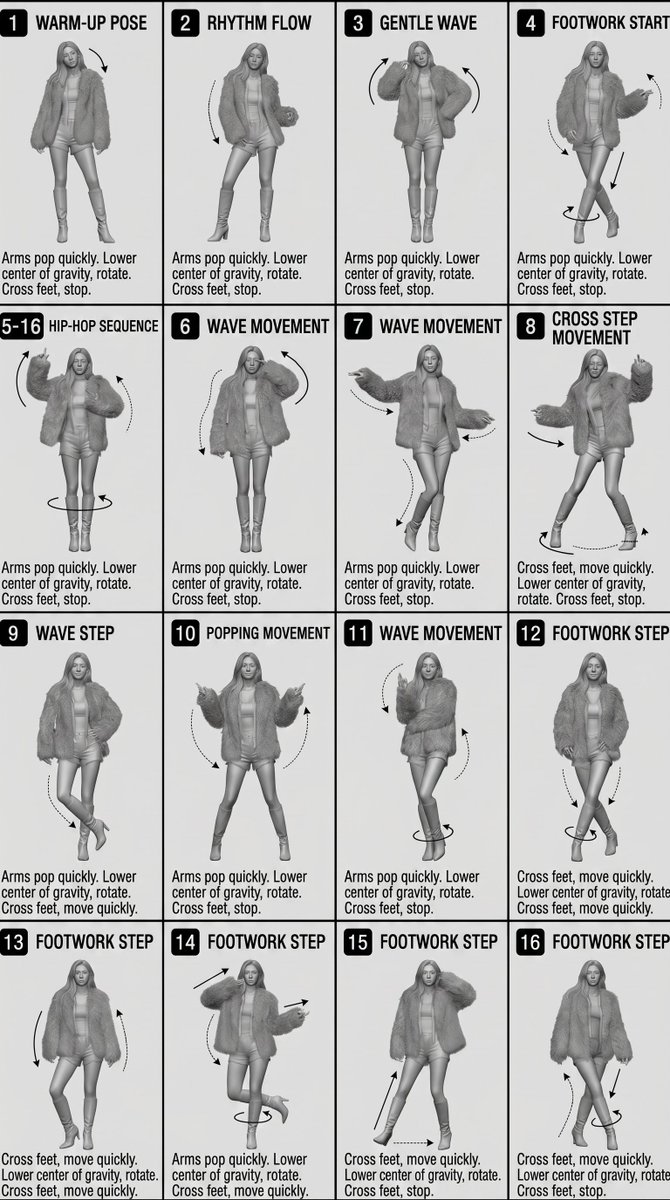
Lay out a technical movement reference on a white landscape sheet using sixteen uniform panels. Read the rewritten brief, then adapt the composition and reference roles to your project.
English prompt text. The language menu opens the prompt library in your selected language.
infographic edu visual
Lay out a technical movement reference on a white landscape sheet using sixteen uniform panels. Repeat the character from the supplied reference at a consistent scale, preserving costume, hair and body proportions while changing the full-body pose. Give each panel a small number badge and brief English action title, then leave three short annotation lines beneath the figure. Use directional arrows for steps, rotation and arm paths, keeping them separate from important anatomy. Render in grayscale with soft studio shadows and the clarity of a sculpted concept model. Thin borders and aligned text baselines should make the grid feel useful for production. Exclude scenic backgrounds, color accents and extra subjects; keep every silhouette distinct enough to explain the movement.
By Muse Video.TV · · Visual credit: Oogie
Rewritten creative brief. The accompanying media is a visual reference, not a result generated from this revised prompt. Similar output is not guaranteed. Adapt the brief to your own assets and supported input format.
Prompt examplesocial media post
Photograph an ordinary Chinese living room as a family memory from the 1980s. Place four people close together, all watching a small black-and-white…
 Prompt example
game asset
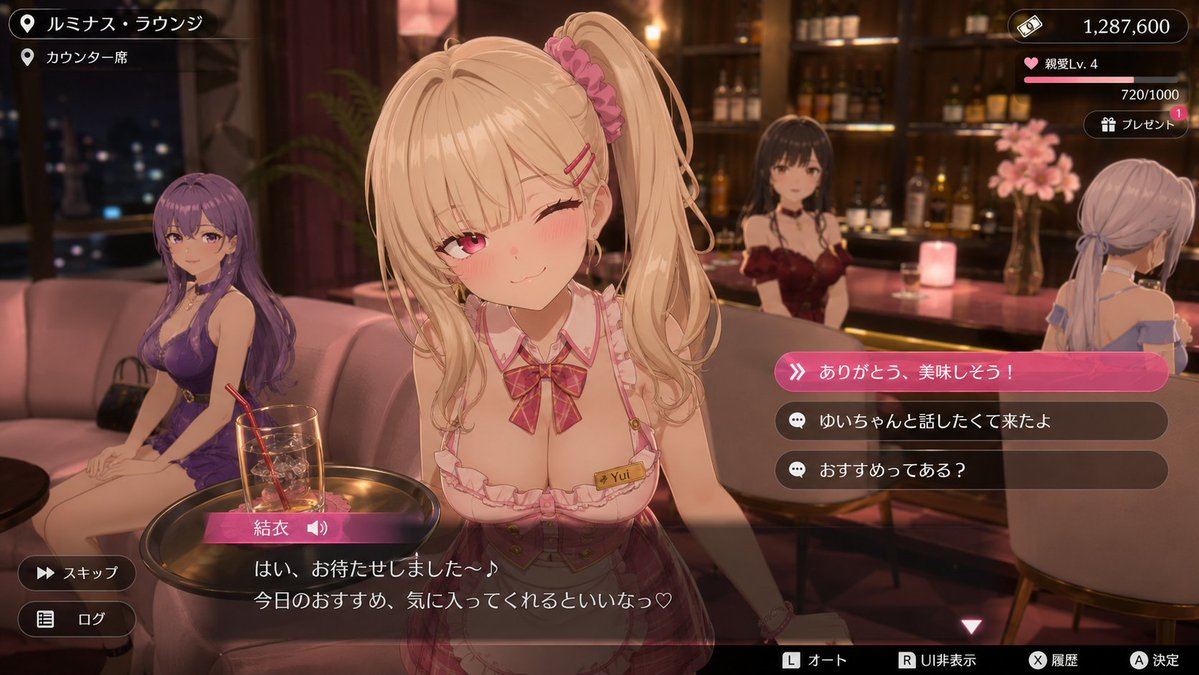
Render a conversation-event screenshot from a fictional urban anime RPG, not a poster advertising the game. The location is a softly lit lounge with…
 Prompt example
infographic edu visual
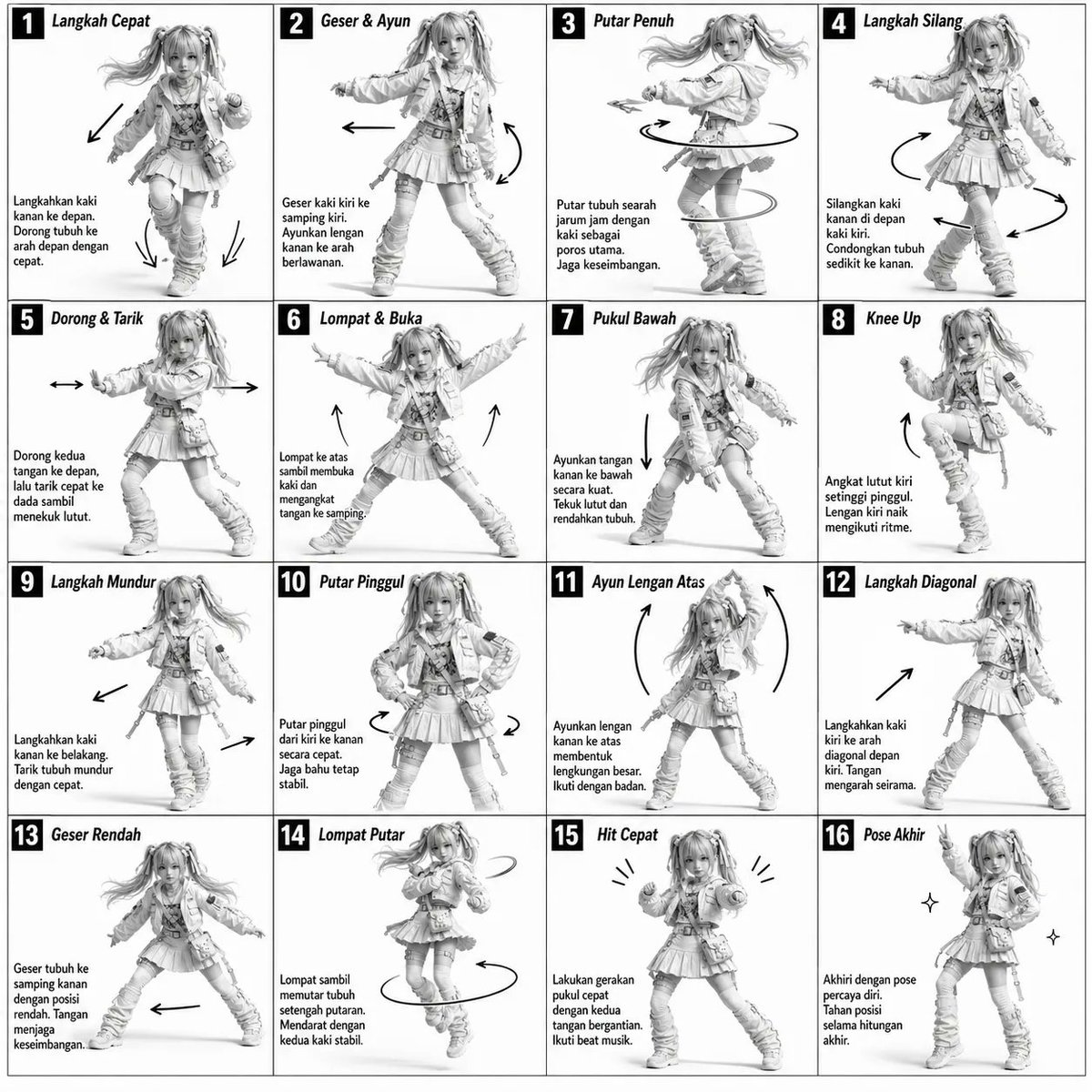
Build a monochrome dance-reference board on a plain white page. Divide it into sixteen equal frames in a four-by-four grid, using fine dark rules and…