Muse Image
Generate images from text or up to 9 references with Muse Image. Choose an aspect ratio and receive one WebP image. Other image models are also available.
APIMart catalog models. Results follow the original returned file.
APIMart · Muse Video.TV
Image requests use your account’s shared allowance. The selected model’s charge is shown above.Up to 9 PNG or JPEG images · 11 MiB combined
Sign in to generate. A paid allowance is required.
Your images
No image was submitted. Sign in and use your plan allowance to generate.
One workspace for still-image creation
Start with Muse Image through APIMart, or choose another image model. Muse Image accepts up to nine references and returns one WebP image at model-selected dimensions. Each option shows its own limits and allowance charge.
Choose an image model
Muse Image
Muse Image creates one WebP image from text or up to nine reference images, totaling 11 MiB. Choose one of seven ratios or Auto to follow the references. The model determines the output dimensions.
Use this model ↗GPT Image 2.6 Flare
Flare is a GPT Image 2.6 variant in this editor. Start with a text brief and choose from ten compositions, including a 21:9 banner.
Use this model ↗GPT Image 2.6 Sunburst
Sunburst offers another GPT Image 2.6 variant. Keep your brief and reference the same when exploring a different rendition; each submission uses its own allowance.
Use this model ↗GPT Image 2
Choose the GPT Image 2 option for text-to-image or a change to one supplied picture. Its seven ratios cover square, portrait and landscape formats.
Use this model ↗Nano Banana 2
The Nano Banana 2 option accepts a written brief and an optional reference. Describe the subject to retain and the background, palette or composition you want to change.
Use this model ↗Seedream 5.0 Flash
Seedream 5.0 Flash is the Seedream-family choice in this workspace. Specify materials, lighting and placement for a product visual, illustration or editorial still.
Use this model ↗Prepare a brief for your image
Product visuals
Describe the product, surface, light and background. Add your own product photo when its appearance matters.
Portraits and characters
Specify the setting, wardrobe and framing. Use only reference photos you have permission to upload.
Posters and compositions
Set the aspect ratio, focal point and space for a headline. Check lettering before using the result in a finished design.
How to create an image
Choose a model and format
Choose Muse Image or another image model, then select an available aspect ratio.
Write the brief or add a reference
Describe the subject, style and composition. Muse Image allows up to nine PNG/JPEG references, 11 MiB combined; other choices allow one, up to 5 MiB.
Review the request
Sign in, check the allowance charge and confirm permission to use any uploaded reference.
Generate and review the image
Submit once and follow the task. When generation and safety review finish, open or download the original image.
Image models available in this editor
| Model | Request tier | Reference limit | Aspect ratios | Allowance |
|---|---|---|---|---|
| Muse Image | Model-defined dimensions | 9 PNG/JPEG · 11 MiB | 1:1, 16:9, 9:16, 4:3, 3:4, 3:2, 2:3 | 1 unit |
| GPT Image 2.6 Flare | 1K | 1 PNG/JPEG · 5 MiB | 1:1, 16:9, 9:16, 4:3, 3:4, 3:2, 2:3, 5:4, 4:5, 21:9 | 1 unit |
| GPT Image 2.6 Sunburst | 1K | 1 PNG/JPEG · 5 MiB | 1:1, 16:9, 9:16, 4:3, 3:4, 3:2, 2:3, 5:4, 4:5, 21:9 | 1 unit |
| GPT Image 2 | 1K | 1 PNG/JPEG · 5 MiB | 1:1, 16:9, 9:16, 4:3, 3:4, 3:2, 2:3 | 1 unit |
| Nano Banana 2 | 1K | 1 PNG/JPEG · 5 MiB | 1:1, 16:9, 9:16, 4:3, 3:4, 3:2, 2:3 | 1 unit |
| Seedream 5.0 Flash | 1K | 1 PNG/JPEG · 5 MiB | 1:1, 16:9, 9:16, 4:3, 3:4, 3:2, 2:3 | 1 unit |
These are the settings enabled on this site. Each request asks for one image; actual dimensions and file type follow the returned result.
Questions before you start
How do I choose between the image models?
Select a model card to load that option in the editor. Use the same brief and reference if you want to compare the results across choices; every submitted request has its own charge.
How do Flare and Sunburst differ here?
They are two selectable GPT Image 2.6 variants. Both currently use the same 1K tier, input limits and ten aspect ratios on this site. Choose the variant you want in the model menu.
Can I edit an existing picture?
Muse Image accepts up to nine authorized PNG or JPEG files, 11 MiB combined. The other image models accept one file up to 5 MiB. Describe what should stay and what should change.
Which image settings can I choose?
Each request creates one image. Muse Image determines the pixel dimensions and returns WebP; its seven ratios and Auto are available without a resolution tier. Other options use the displayed 1K tier.
How much allowance does an image use?
Each listed image choice uses one unit from your plan’s shared allowance. The charge appears before submission; generating requires a signed-in account with available paid allowance.
When is my reference sent to APIMart?
Choosing a file previews it on your device. The prompt and attached reference are sent only when you submit Generate, after rights confirmation and input checks.
Can I save an image prompt as a draft?
Yes. Explicitly saved text drafts remain on our server for 7 days. Reference files are not included; add them again when preparing a later request.
How is a completed image delivered?
The original returned image is saved for your account. It becomes available to view or download after safety review, which may delay delivery.
Prompts worth starting from
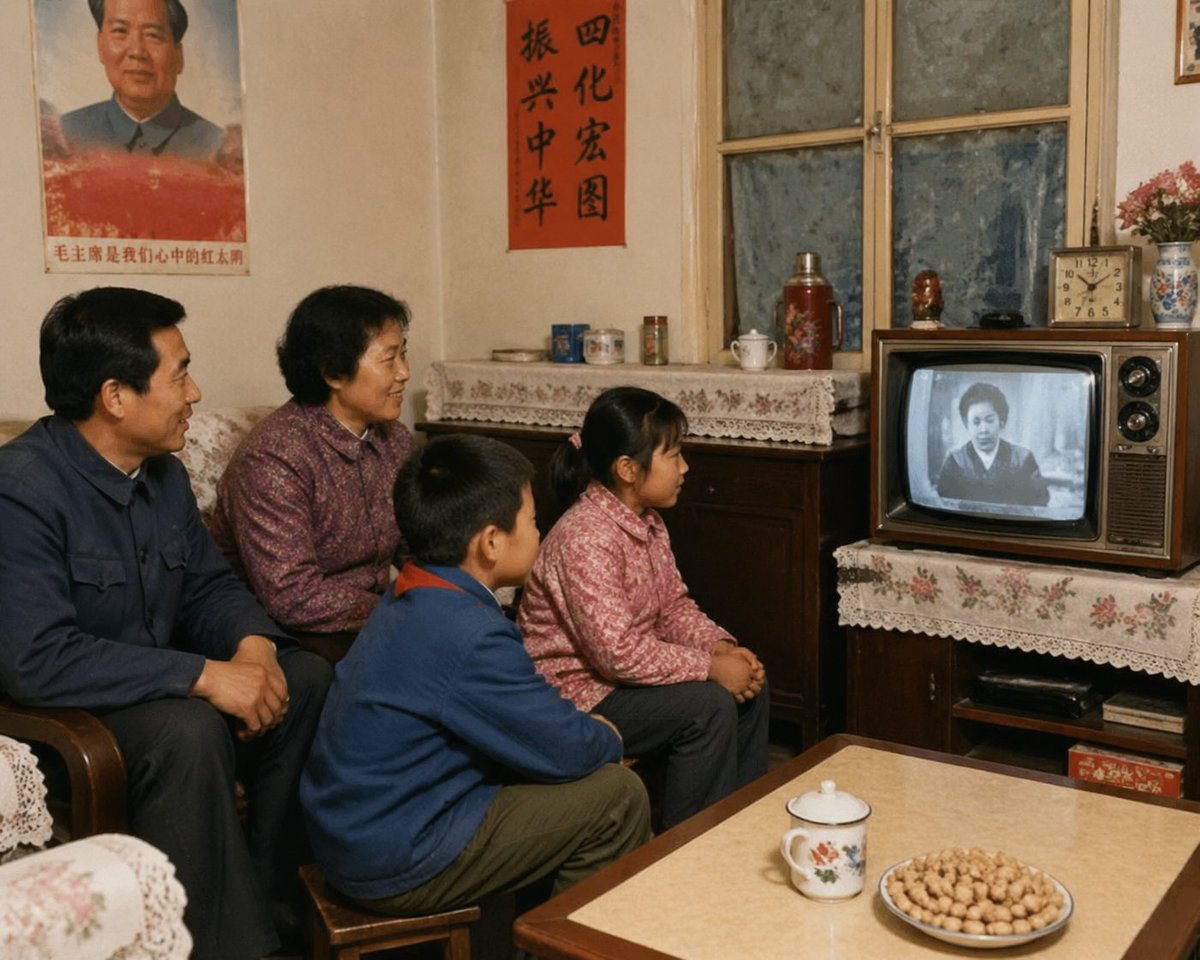 Prompt example
social media post
1980s Chinese Family Watching TV
Photograph an ordinary Chinese living room as a family memory from the 1980s. Place four people close together, all watching a small black-and-white…
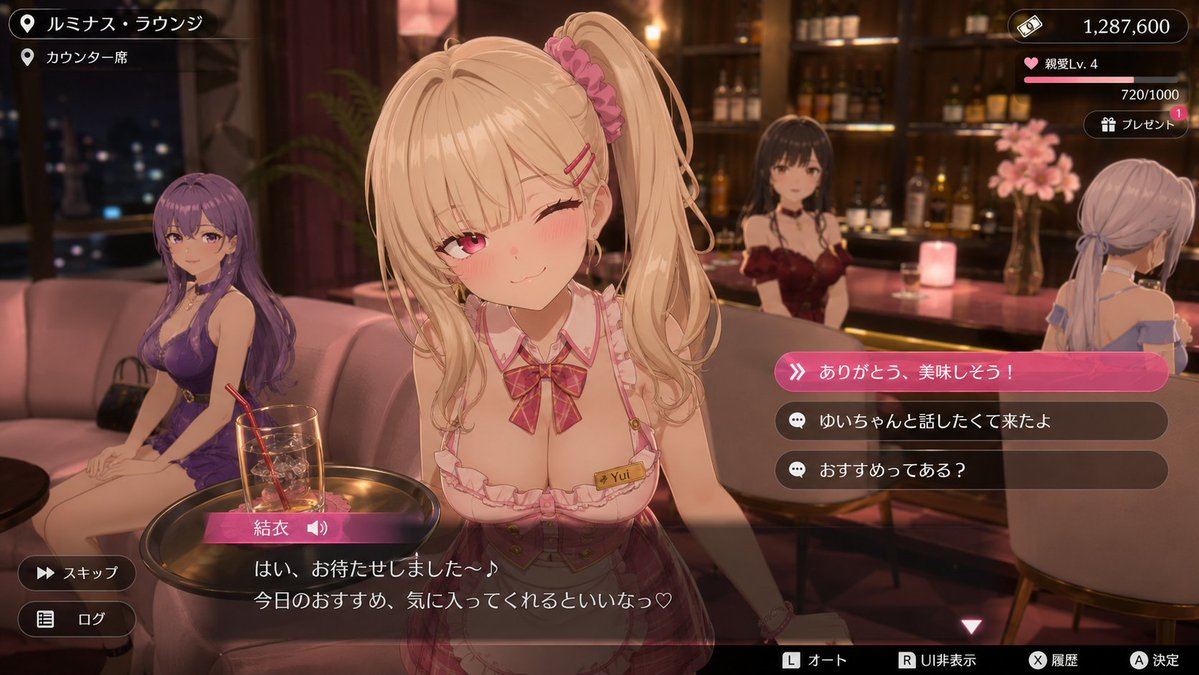 Prompt example
game asset
3D Anime RPG Gameplay Screenshot
Render a conversation-event screenshot from a fictional urban anime RPG, not a poster advertising the game. The location is a softly lit lounge with…
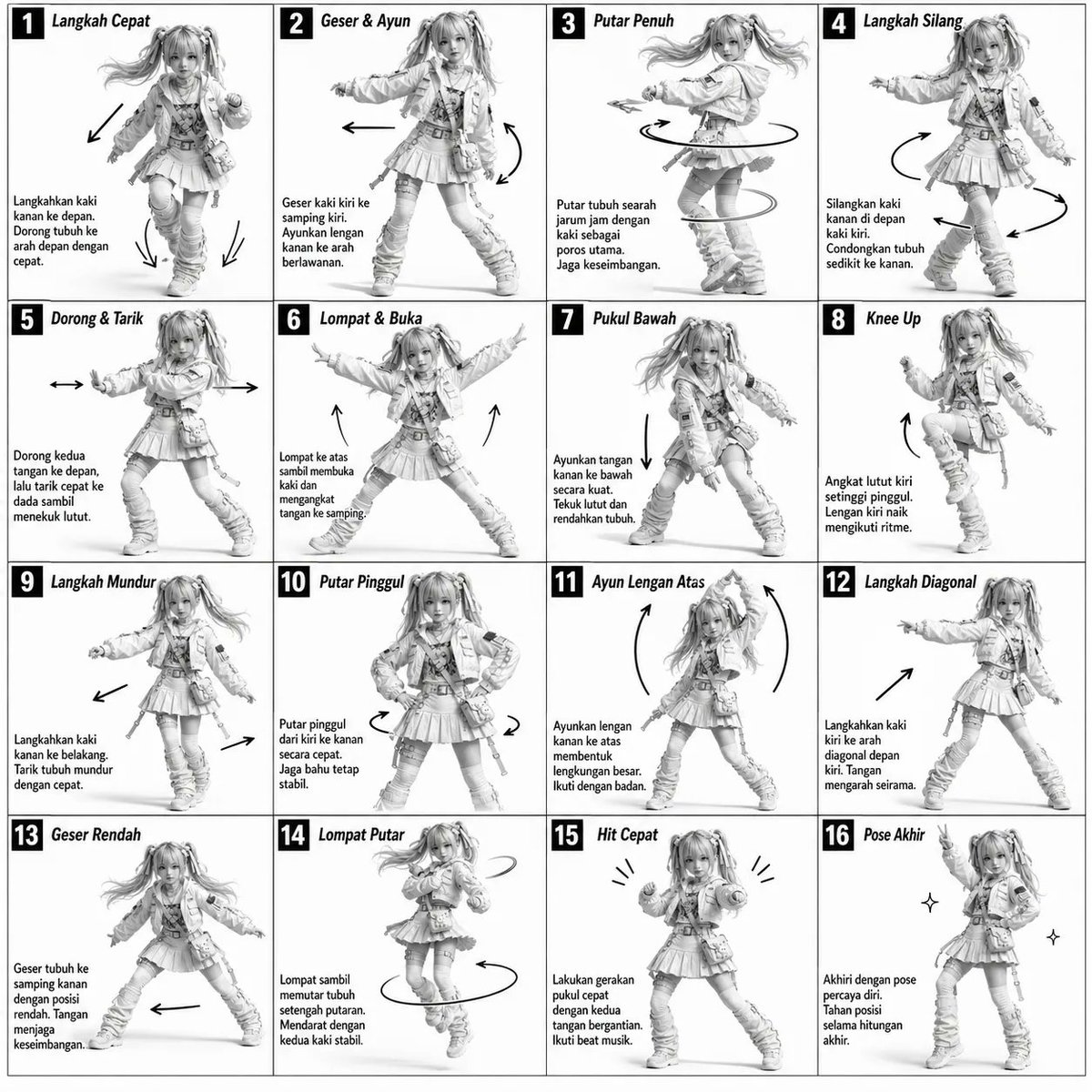 Prompt example
infographic edu visual
3D Grayscale Dance Reference Sheet
Build a monochrome dance-reference board on a plain white page. Divide it into sixteen equal frames in a four-by-four grid, using fine dark rules and…