Muse Video AI
Generate a video from text or up to 9 reference images with Muse Video. Fixed 10-second, 720p requests; sign in and use your allowance.
APIMart catalog models. Results follow the original returned file.
APIMart · Muse Video.TV
One unit = one Muse Video request. Other models use the displayed number of units.Up to 9 PNG or JPEG images · 11 MiB combined
Sign in to generate. A paid allowance is required.
Your videos
Your generated videos will appear here.
AI Video
What is Muse Video?
Create a video from a written brief and up to 9 reference images with Muse Video. Use @Image1, @Image2 and so on to explain each reference. Requests use 10 seconds and 720p; the returned file determines actual duration, dimensions and audio. Other models have their own displayed settings and allowance charges.
What you can prepare in the editor
Text to video
Describe one shot with a subject, action and camera direction.
Multiple image references
Choose up to 9 images for Muse Video; explain the subject, setting or style each image should guide.
10-second / 720p requests
Select an aspect ratio. Actual output follows the original returned file.
Reusable text drafts
Explicitly save a prompt draft on our server for 7 days.
Tasks that resume
Accepted provider tasks keep their task ID and are queried again instead of resubmitted.
Put your project in context
A product reveal
Define the product, setting, camera approach and final composition before production.
A character moment
Write a short action that expresses emotion through posture, movement and framing.
A location walkthrough
Describe a clear route through a space and the details each shot should reveal.
How to prepare a video project
Sign in and choose a plan
Use Google sign-in and check your available video allowance.
Add a prompt and optional references
Describe one shot. With Muse Video, add up to 9 authorized PNG or JPEG images, totaling no more than 11 MiB. Other models use the limits shown in the editor.
Review the request
Choose the aspect ratio and confirm rights to the reference image.
Generate and check progress
Submit once, follow the same task, and wait for safety review before delivery.
Choose the right workflow
| AI Video | AI Image |
|---|---|
| Seedance 2.5 Seedance 2.0 Veo 3.1 Fast Veo 3.1 Quality Muse Video Wan 2.6 Kling 3.0 | Muse Image GPT Image 2.6 Flare GPT Image 2.6 Sunburst GPT Image 2 Nano Banana 2 Seedream 5.0 Flash |
| Generate a video from text or up to 9 reference images with Muse Video. Fixed 10-second, 720p requests; sign in and use your allowance. | Create a still image with Muse Image using text or up to nine references; five other image options are also available. |
| Open editor | Open editor |
Using the Muse Video editor
Use the Muse Video editor to prepare a new clip: choose a model, write one subject action, set the aspect ratio and check the displayed units. Muse Video accepts up to nine authorized PNG or JPEG references totaling 11 MiB. This workspace generates new clips; it does not trim footage, join clips or extend uploaded videos.
Questions before you start
What is Muse Video.TV?
Muse Video.TV is an independent browser-based video creation service. Muse Video is the main video workflow; additional video and image models are selectable inside the workspace.
Is Muse Video AI different from Muse Video?
On this website, Muse Video AI describes the video creation workflow; Muse Video is the model name shown in the editor. These are not separate subscription tiers. Select the model, check its unit cost and submit only when your brief is ready.
Can I turn an image into a video?
Yes. Add up to 9 PNG or JPEG images, with a combined original size of at most 11 MiB. Describe each image’s role and confirm your right to use all of them. Images are sent to APIMart only when you submit.
What inputs are supported?
For Muse Video and Muse Image, add text and optionally up to 9 PNG or JPEG references, no more than 11 MiB combined. Other video models currently accept text only; other image models accept one reference up to 5 MiB.
Can I describe camera movement?
Yes. Describe framing, direction, speed and timing in your prompt. These guide the request but do not guarantee a specific result.
What are the video specifications?
Muse Video requests 10 seconds at 720p. Seedance 2.0/2.5, Wan 2.6 and Kling 3.0 use 5-second tiers; Veo 3.1 Fast/Quality use 8-second tiers. Video requests are 720p. Actual output follows the returned file; audio is not guaranteed.
When are reference images sent to the provider?
Selected reference images are shown locally. They are sent to APIMart only when you submit Generate, after rights confirmation and input checks.
Can I save a draft?
Yes. Explicitly saved text drafts stay on our server for 7 days. Reference files are not included in saved text drafts.
Which monthly plans are available?
Starter includes 100 shared units for $7.99 per month, Creator 250 for $17.99, and Studio 500 for $34.99. Muse Video uses one unit per request; other video models use more. Plans renew monthly in USD and unused units expire at the end of the billing period.
How is a completed video delivered?
We save the provider’s original returned file for your account. Outputs are held for safety review before display or download, so delivery may be delayed. Contact support@musevideo.tv if you need help.
How should I write a text-to-video prompt?
Start with the subject and one action, then describe the setting, framing, camera movement and visual style. Keep a single shot clear before adding more complexity.
Can I extend or edit an existing video?
No. This tool creates a new clip from text and optional reference images. Existing-video extension and editing are not available.
What happens if a generation fails?
A failed or blocked request returns its reserved video allowance, subject to the allowance’s original expiry. For an accepted provider task, we keep checking the same task rather than resubmitting it.
Are commercial rights guaranteed?
Rights depend on your source material, the provider’s terms and applicable law. We do not grant or verify third-party rights. Read our terms and use only material you are entitled to submit.
Prompts worth starting from
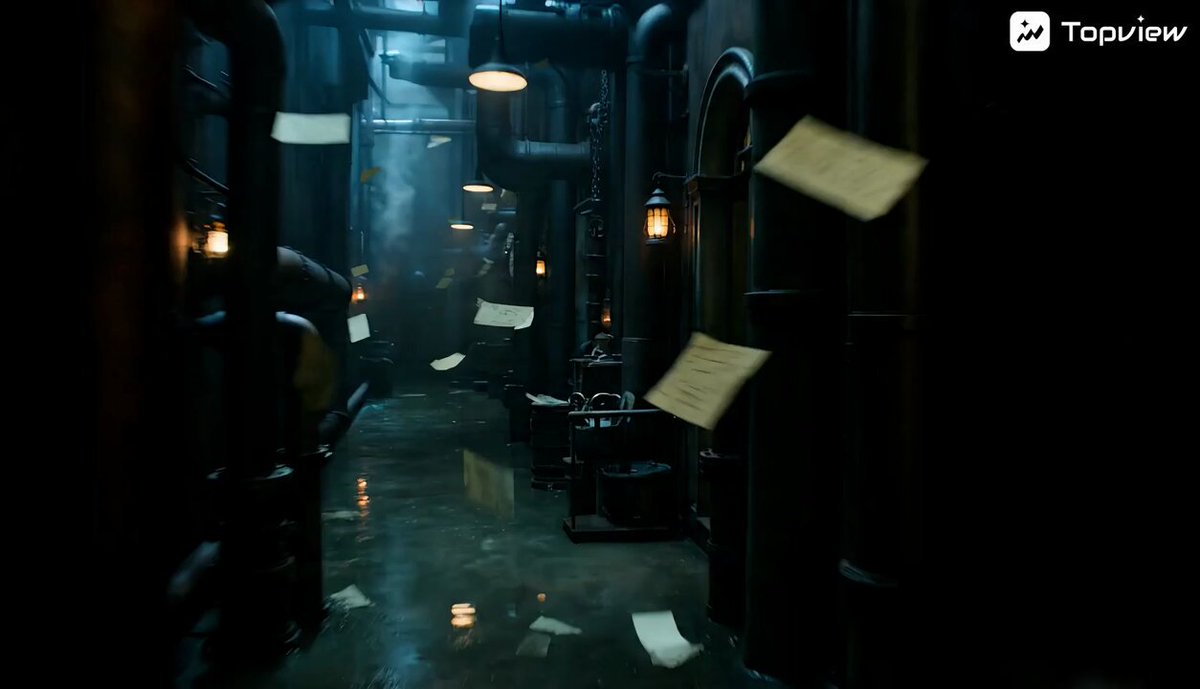 Prompt example
short film
Black Fantasy Film Sequence
Build a nocturnal fantasy scene around a secretive writer and his mechanical familiar. Begin just inside an old house: a metal bird waits on its…
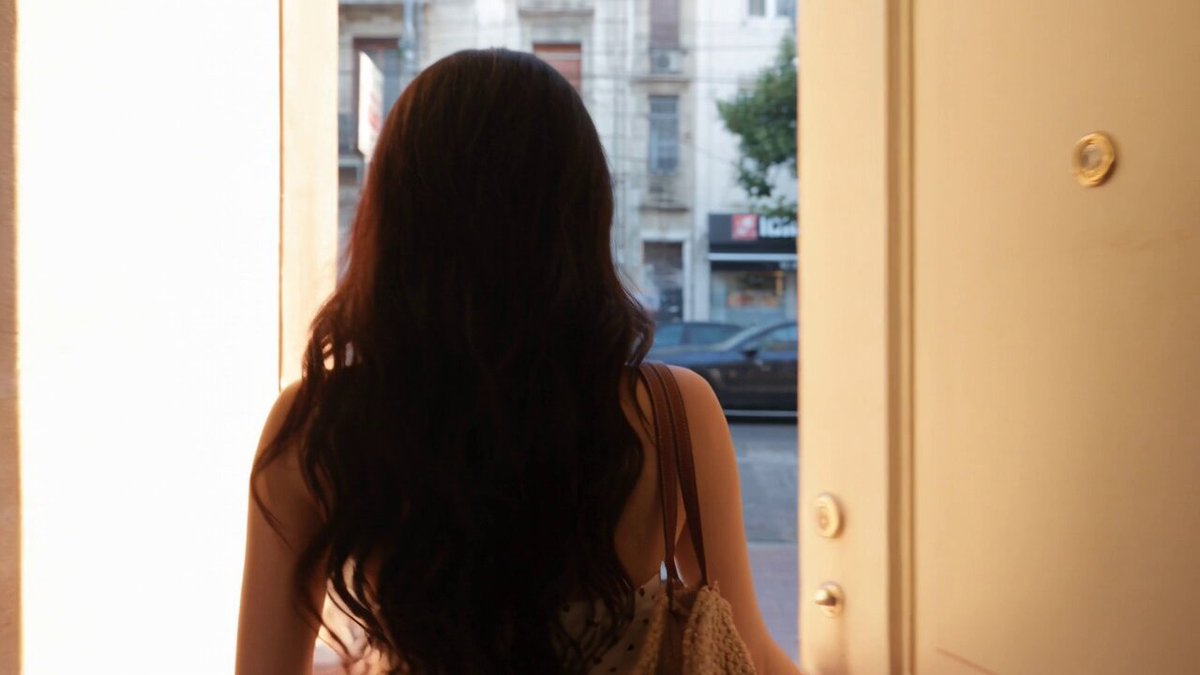 Prompt example
general
Realistic Handheld Travel Vlog
Film a personal travel diary as though a friend is carrying the camera beside the traveler in the supplied portrait. Match her face, hair and…
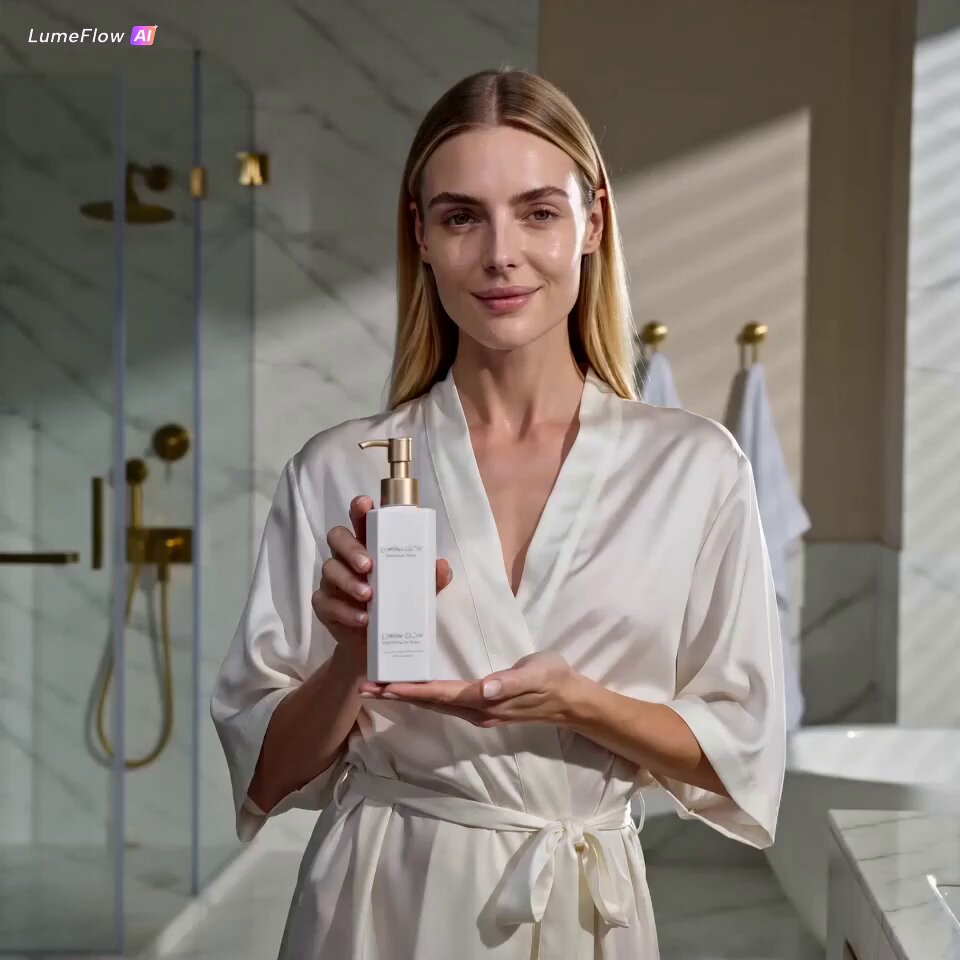 Prompt example
brand product ads
Luxury Skincare Advertisement
Direct a compact skincare advertisement in a sunlit bathroom, using the supplied product and adult performer references to keep the bottle and face…